My earlier rant about content aggregation got me thinking about the whole phenomenon of listing in the first place, and how I find it useful but annoying if done carelessly or incorrectly. So I started joking that “I bet I can find a list of lists of reasons why people like lists,” and then proceeded to do it. The following 10 links contain lists (mostly in list form, some in essay form) of reasons that people like lists and why we “should” use lists (mostly, I think people like making lists because it’s easier to make a list of things than it is to actually make a thing).:P Just in case anyone cares. And for the record, I don’t really intend to make another “list” post any time soon. 😛
On a less tongue-in-cheek note, this interview with Umberto Eco discusses his take on why people like lists so much: “We like lists because we don’t want to die.” Interesting reading. And on the subject of meta-posting, the xkcd cartoon “Hofstadter” is about how I’m feeling right now. Ugh. I promise to write something original next time.:)
I went on a minor movie-watching binge this weekend and caught up on a few films that I’ve been intending to see, and one that I wasn’t really intending to but watched anyway.
This was a pretty stupid film, honestly. I wasn’t intending to watch it, but I’ll usually take a chance on fantasy and comedy. That said, I didn’t really like the characters much, and the story was godawful even though I realize it was intended to be tongue-in-cheek. Parts I liked? The mechanical bird, Natalie Portman’s character, and Courtney as comic relief. I think the standout scenes were McBride’s useless prince chasing a herd of sheep with some trolls, and…vell, it’s been a few hours since I’ve seen it, and the only other things I remember were a bunch of juvenile gags. Not really worth the time to watch, unless you like one of the actors or you want to see some perverted sendup of Yoda convincing the princes to give it sexual favors in exchange for magical help. Could have been better if Thadeous’s change of character had occurred earlier in the movie; as it was, it was one (or a dozen) “I’m too whiny, fat, and lazy” too many.
This was a standard teenage-girl-kicking-ass spy thriller, with some introspection thrown in. I actually really liked this film. Saiorse Ronan’s Hanna Heller is the best lethal female teenager since Summer Glau’s River Tam in Serenity, but set in a normal urban setting instead of scifi and not so over-the-top. I liked the exploration of music throughout, and the portrayal of a sheltered innocent experiencing the world in all of its bewildering complexity for the first time. Well worth watching.
I wasn’t really sure what to expect on this one. I occasionally watch these random Japanese scifi-influenced films for the hell of it, and they can be hit-and-miss. This one was somewhere in the middle; I enjoyed the intensity of the story, but there were over-long dramatic scenes which increased the running time without necessarily adding much to the story (a lot of it stemming from the “tsundere” relationship between Yuki Mori and Susumu Kodai, and Kodai’s general self-doubt). There was definitely some sort of introspective “what does it mean to be Japanese” thing going on here – direct parallels back to the second world war, but recasting the Japanese people as nothing less than the selfless, self-sacrificing saviors of humanity in general. I don’t think I’d watch it again, but I don’t regret having seen it once, just because it made me think about the general concept of national self-perception.
This was a fun movie to watch, of course. Who doesn’t like the Pirates movies? Johnny Depp is great as always, and I think the relationship between Syrena and Phillip Swift somewhat stole the show. Penelope Cruz was a decent foil for Jack overall, and the vampire-toothed mermaids were great. I hear there are more movies coming out, and I’ll eventually see this one in 3D when I have the time and equipment.:)
I’ve been using StumbleUpon off and on, which is a nifty way to find random things with some advance indication that they might be worth looking at. I’m a fan of internet randomness, and I like artwork, so art is one of the categories I follow.
I’ve been somewhat disturbed to stumble over a number of cases where bloggers appear to be aggregating images from various sources and reproducing them more or less “in full” without even so much as attributing the original artist[s]. In many of these cases, the image filenames are altered as well, completely obscuring the source of the image.
At risk of harping on a topic that has been covered a billion times elsewhere, this is:
1) Disrespectful to the original artist. If you like an image enough to want to show it to people, at least have the decency to make an attribution. Not doing so is rude and unfair at best, and at worst, intellectually dishonest as you are implying that you created the image.
2) Most likely in violation of copyright, unless the artist deliberately placed the work in the public domain. If you use an image without being certain that the use is covered by fair use/fair dealing/the copyright regulations of your jurisdiction, you may be exposing yourself to legal liability for that misuse.
3) Irritating to people like me, who may appreciate a particular artist’s work and wish to find other creations by that artist.
Whenever I see these on social sites (Facebook, Google+, Twitter, StumbleUpon, etc.), it always places me in a quandary. On the one hand, I like the works and I want to “like” or “+1” or “thumbs-up” the content. However, when the aggregator fails to acknowledge the source, I find myself wanting to “dislike” the page itself. In some cases, it’s probably ignorance of the rules of using other people’s content on your site, but I suspect in a lot of these cases, the intent is to drive traffic to generate ad revenue, and the people running these sites don’t really give a damn. Either way, it’s irresponsible to promote these sites, no matter how interesting the content is, if the promotion will benefit someone without giving the actual creator the time of day.
The site that was the final straw (http://beenidrew.com/20-most-beautiful-expressive-photography/ — I’m pasting it here, unlinked, solely in case someone is searching for some of the artists) was an aggregation of photographs by various artists and primarily seems to have ripped photographs from DeviantArt. I took the time to use TinEye to reverse-search a few of the ones that caught my eye. And no, I didn’t thumbs-up the aggregation page. If you’ve seen that page before and are wondering about the artists, here are a few previews of the images, properly linked back to the full-sized images at the artists’ DeviantArt pages.
And if you want to share images or any other form of artwork with people, please make sure that the work can be tracked back to the original artist, both for the artist’s sake and for everyone else on the internet who might want to see more of that artist’s work!
Poison by Toschs Nemesis by iNeedChemicalX iphigeni.e by silent-order Delicious Demon 2 by hakanphotography Land of Hearts by girltripped
(Edit: For a more fun, comic version of what I’m getting at, see “See Something, Cite Something” at Rosscott, Inc. Granted, they don’t really address the aggregated version of this, so I suppose my updated take would be “See Something Uncited? Source First, Then Share!” Or at least acknowledge that the source is unknown and ask for someone to help you fill it in. Don’t be that guy! 🙂 )
I’ve added a new gallery plugin to WordPress and migrated all of my artwork into it, so you can now see thumbnail views of just about everything I’ve done in the last few years. A lot of new stuff – hope you find some of it interesting.:)
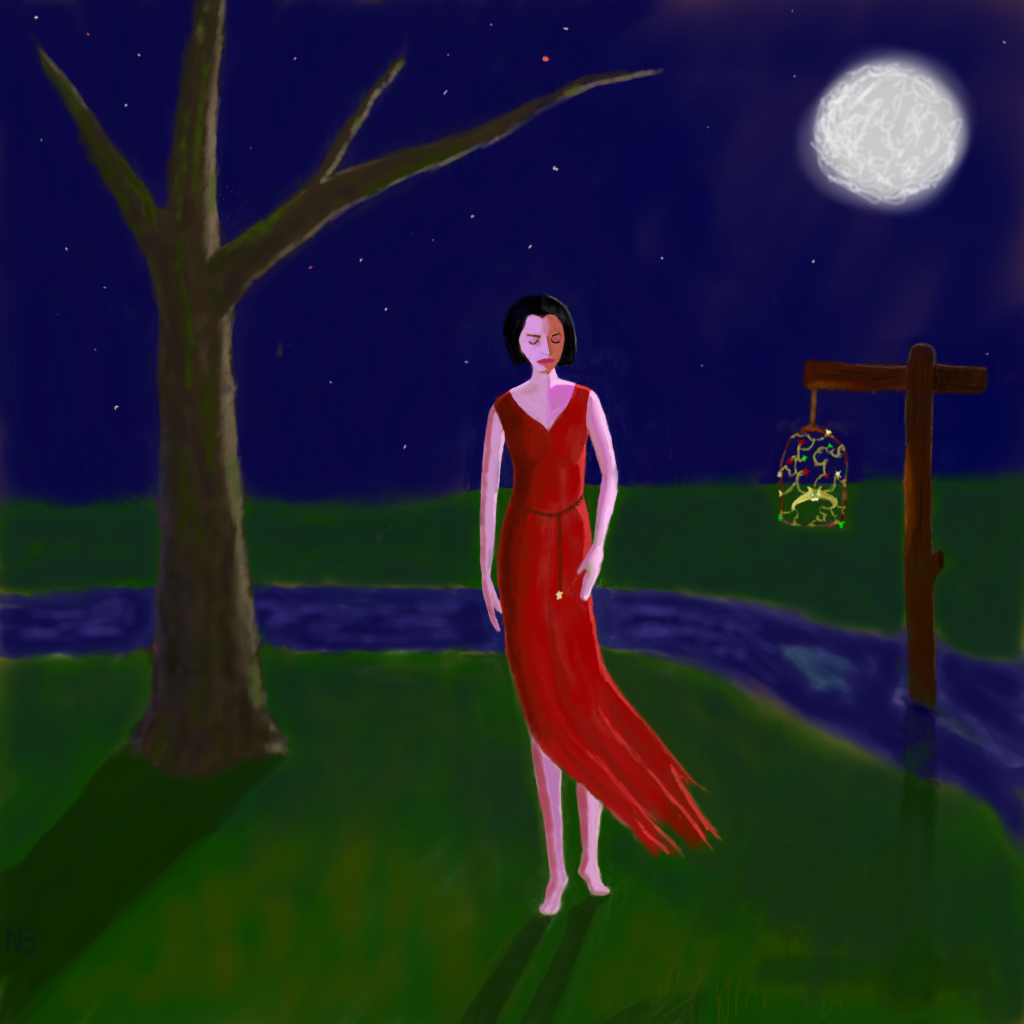
More playing around with my tablet. This one is just intended to portray some sort of night-elementals, both the figure and the caged lantern-creature. Somebody suggested the latter is a bit like the жар-птица (firebird) from Slavic lore, which is amusing, since I was initially going for something like caged glowing birds, maybe phoenix-like, or a bird-firefly hybrid. I think it ended up being as much flora as fauna. I was initially going for “spooky,” but I never manage to pull that off.:P Anyway, just done for fun. Enjoy.:)
I’m always searching for new stuff to listen to, both for inspiration and variety, and lately my favorite bands have been female-fronted metal bands along the lines of Lacuna Coil and Tracktor Bowling, and some of the more progressive punk/post-punk groups like The Receiving End of Sirens. I don’t seem to have been able to find many female vocalists doing the latter style, although I’m not really sure why. I don’t see anything fundamentally “male” about it.
This week I’ve come across two new bands that are making my playlist for the next few months, probably.
First, we have Head Phones President, a crazy Japanese project featuring Anza, a singer/actress/model who apparently did a long stint as the first Sailor Moon and has a disco-esque side project (Vitamin-Q).
httpv://www.youtube.com/watch?v=IYbZ205ROaQ
The vocals remind me a bit of a cross between Cristina Scabbia (Lacuna Coil) and Björk. There’s a definite “experimental” quality to the band, and the lyrics are nonsensical for the most part (and when they aren’t, the vocalist’s accent is too strong to make sense of them anyway). I like the energy, and the way the sounds cross from melodic to heavy and back again.
Secondly, a Korean find – 49 Morphines. This one is basically screamo, I think, with a definite progressive streak. It reminds me a bit of Godspeed You! Black Emperor, if GBYE had screamo vocalists and more of a metal edge.
httpv://www.youtube.com/watch?v=jM8a0uxVX1c
The song takes a while to develop, and while I’m not a fan of screamed lyrics beyond the random word or line by a female vocalist, these guys somehow manage to do it grating on my nerves. I have no idea what the lyrics are about, since I don’t speak Korean, and even if I did, the screaming makes them practically indecipherable, but the music is great.
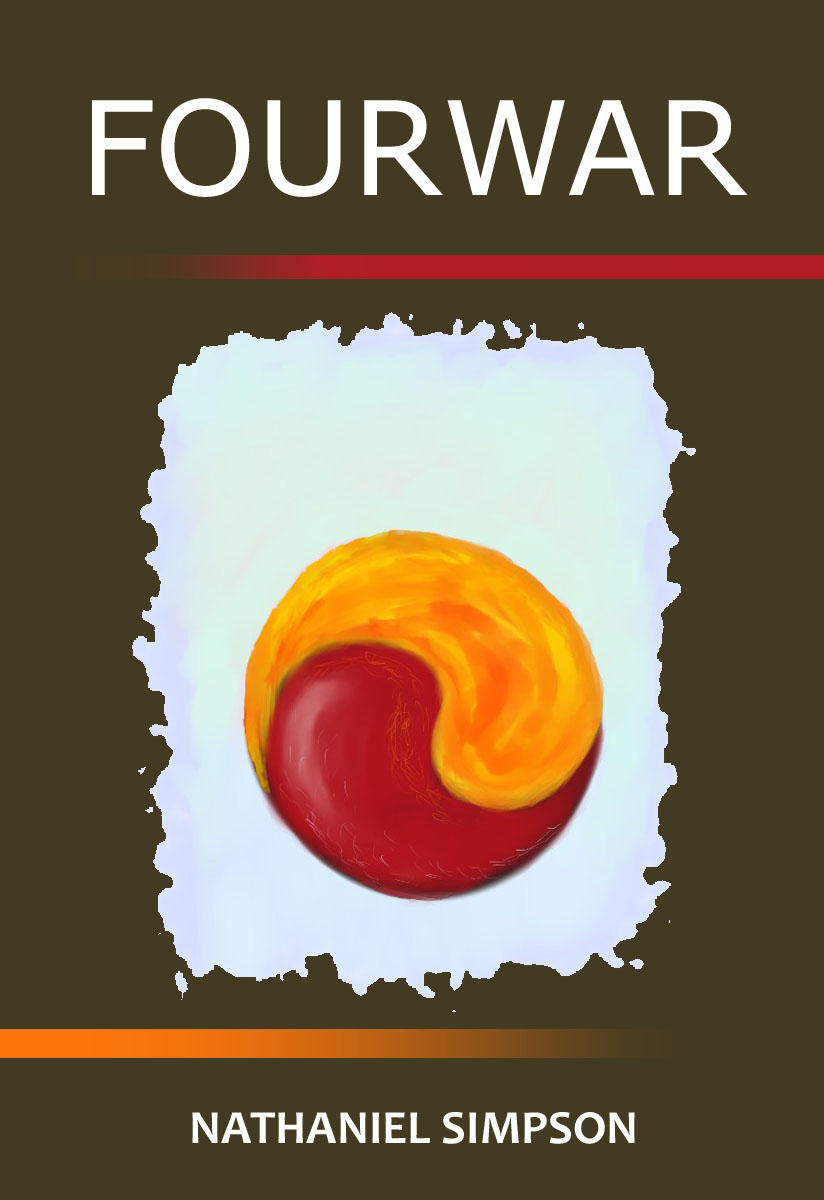
I’ve been contemplating making my novels available on various electronic markets, and the Amazon Kindle market was particularly easy to convert one for, so I’ve gone ahead and taken the plunge with my scifi biopunk novel Fourwar. I initially intended to post it at the 99-cent price, but Amazon’s odd royalties mean that you have the choice of posting it at 99 cents for a 35% royalty (so I’d get about 34 cents, minus a few cents for the bandwidth of the book) or at a minimum of $2.99 US for a 70% royalty. While 35% is still significantly better than the traditional rates for a new author of maybe 2% (yes, two percent) if you’re lucky (from all I’ve read), I’m not really sure why I should give Amazon 65% of the royalties instead of 30% if I have the choice. So, rather than give Amazon the lion’s share, I’ve posted it at the $2.99 minimum price.
I’m not entirely sure what Amazon’s logic for the $2.99 minimum is. I’ve seen speculation that Amazon wants to force the customer expectations for ebooks to stay higher than $0.99 by dangling a carrot in front of authors who take the higher prices, and that may be possible. While Amazon stands to make about 65-70 cents on a $0.99 book, they will make about 90-95 cents on a $2.99 book (depending on bandwidth charges which are taken out of the author’s profit), so it seems evident that, at least at the bottom end of each range, they stand to make more money while keeping a nominally smaller cut if the author charges more. I’m not sure how this will work out, but I’m also not entirely sure how to go about marketing my book without obnoxiously spamming everything in sight, so I suppose I’ll figure both things out as I go.
Anyway, I took an hour or so last night and painted a little cover image and did a simple cover layout in Photoshop. See results below.:)
While the book is freely available as a PDF in my writing section (and PayPal donations are less cumbersome than Amazon.com royalties if you just want to tip me – see the right sidebar), if you have a Kindle and want to have a portable version, I’d certainly encourage you to get it:
Just a little note that if you need to prevent near-plane clipping while moving the camera into your volume, there seems to be a simple way to achieve this effect (in OpenGL): simply enable GL_DEPTH_CLAMP while rendering the front and back faces of the bounding volume you are casting from. There may be a better way to do this, but this seems to work and with no noticeable performance loss.
Just a minor site update – I’ve tested this layout in Chrome, Firefox, and the latest IE, but it might break on older browsers.:) In any case, welcome to the new front page! I’ve also pulled my Twitter/Plurk feed in, which I update a good bit more frequently than this, so hopefully that helps things stay more current.
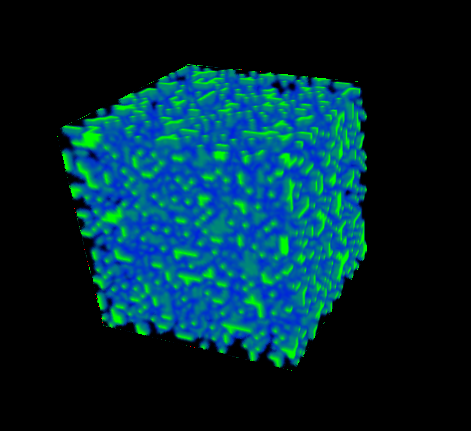
As always, I’m working on a billion projects. OpenGL and direct volume rendering of procedural volumes via shaders is my current primary project:
I’m also still slowly pounding away at a third novel, more science fiction. I’ve tweaked my existing novels to be available as PDFs using a more readable layout – see my writing for that. Haven’t done much music lately, besides tinkering with dubstep.
And I’ve been running and doing a bit of TKD, so that about sums it up.:)